


Compartmentalization: The Enterprise-Level Strategy That Protects Your Digital Life
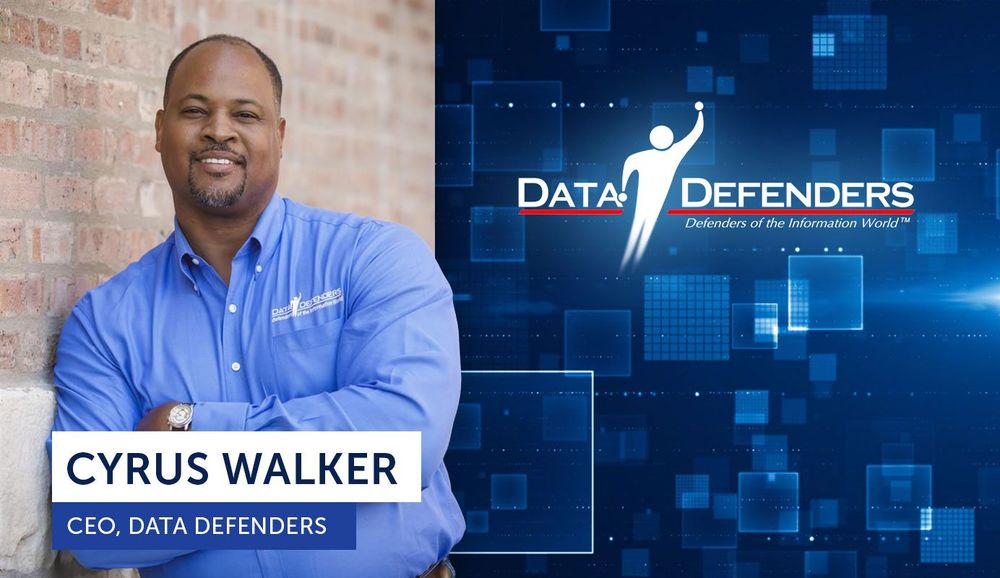
How Data Defenders CEO Cyrus Walker Adapted Critical Infrastructure Security for Everyday Users
When we talk about personal cybersecurity, most advice focuses on the basics: use strong passwords, enable multi-factor authentication, and delete old accounts. These are essential foundational habits, and we cover them extensively in our Essential Cybersecurity Practices for Consumers guide.
But what if I told you there's a more powerful strategy—one developed while protecting hospitals, municipalities, and global nonprofits from nation-state actors—that you can implement in your own digital life?
It's called compartmentalization, and it's the defensive approach Data Defenders CEO Cyrus Walker has spent years refining for organizations that simply cannot afford a single breach to spread. Now, he's adapted this enterprise-level security principle for everyday people.
Want to hear Cyrus explain this strategy himself? Listen to Episode 6 of The Cyber Resilience Report, where we break down years of cybersecurity know-how into an actionable plan you can start using today.
The Problem: Your Digital Life is an Open-Concept House
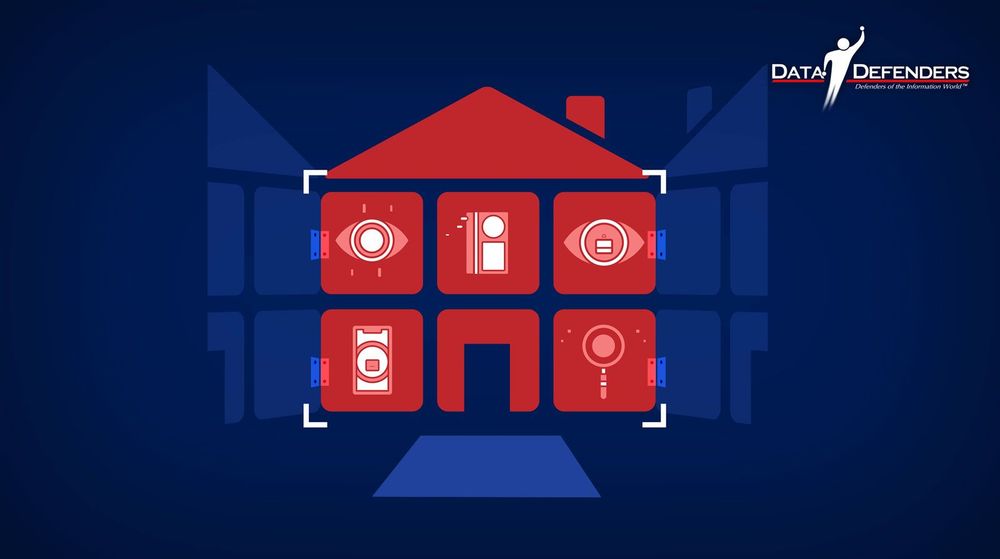
Most people live online like they're in an open-concept house with one set of credentials and one main email address managing everything they do. Every account, every service, every piece of their digital identity flows through the same entry points.
From sending emails and navigating with your phone to connecting on social media and managing finances, our use of technology has become second nature. We've seamlessly adopted these tools to manage our professional and personal lives. While we love the convenience, this digital life also generates what experts call a treasure trove of information for cybercriminals.
As creatures of habit, we tend to dwell in our comfort zones, but simple, everyday behaviors can unknowingly create significant risks. At Data Defenders, our experience protecting organizations from nation-state actors has taught us a critical lesson that applies to everyone. Effective cybersecurity isn't about technical complexity—it's about operational discipline.
And here's the part most people miss. Your goal isn't to become perfect online. Your goal is to make sure one mistake doesn't turn into a chain reaction.
The Cyrus Walker Approach: Building Credential Boundaries
Instead of trying to memorize a hundred perfect passwords or relying solely on password manager tools, Cyrus developed a different framework. Your real goal isn't to become unhackable overnight. Your goal is to reduce the threat vector.
This means that even if something goes wrong (even if a password gets exposed) you prevent that single breach from spreading everywhere. This is where compartmentalization comes in.
Cyrus developed this strategy while protecting critical infrastructure, including global nonprofits, hospitals, municipalities, and organizations where a single breach spreading could mean lives at risk or essential services going offline. What makes it so effective is that it works just as well for everyday people.
The principle is simple. Don't put all your eggs in one basket.
Separate your digital life into buckets so that if one bucket gets hit, the damage stays contained. Compartmentalization turns your online life into a house with locked doors between rooms. If someone breaks into the garage, they still can't walk into the bedroom.
How to Build Your Digital Fortress: The Step-by-Step Game Plan

Cyrus calls this approach building credential boundaries, and it's all about making your life easier while making a hacker's life way, way harder. Here's exactly how to implement it:
Step 1: Create Your Functional Categories
Start by organizing all your online accounts into functional buckets:
- Finance (banking, investment accounts, credit cards)
- Travel (airlines, hotels, booking platforms)
- Retail (shopping sites, subscriptions)
- Entertainment (streaming services, gaming)
- Health (medical portals, fitness apps, insurance)
- Social Media (Facebook, Instagram, LinkedIn, etc.)
Step 2: The Power Pair Strategy
For each category, Cyrus recommends creating a unique email and password pair. So you'll use one specific email and password for all your finance accounts and a completely different set for your travel accounts.
Step 3: Use a Simple Naming Scheme
To keep things memorable without writing them down, Cyrus uses a simple naming convention. Something like:
- JohnDoeF@gmail.com for your Finance bucket
- JohnDoeR@gmail.com for your Retail bucket
- JohnDoeT@gmail.com for your Travel bucket
Critical rule: These specialized email addresses are strictly for account access. Don't use them for daily emails or chatting with friends.
Step 4: Why Cyrus's Approach Wins
If a hacker manages to steal your credentials for one category, they're totally blocked from using those same details to access any of your other account buckets. You're staying in your comfort zone while keeping your digital life incredibly secure.
This compartmentalized approach directly addresses real-world threats. The infamous 2021 Colonial Pipeline hack, which disrupted fuel supplies across the U.S. East Coast, was initiated through a single compromised password for a dormant VPN account. One breach led to total system compromise. This is a principle we see daily at Data Defenders. Whether protecting a city's critical infrastructure, as we did for partners like Aurora, IL (2020 - 2025), or securing a personal email account, the danger of a single point of entry is the same.
The Password Manager Paradox: A Critical Insight from Cyrus
Now, one common best practice in cybersecurity is using password manager tools that help prevent password reuse, because reused passwords are one of the fastest ways attackers move from one account to the next.
But here's Cyrus's key insight. His compartmentalization strategy is designed to prevent one system from becoming the single point of failure.
When it comes to compartmentalization specifically, Cyrus prefers keeping these bucket credentials memorized instead of stored in one central vault like a password manager tool.
Why? Because if a single password storage system ever gets compromised, it can expose everything at once. Password managers concentrate your entire digital life into one target. Compartmentalization is all about preventing one breach from turning into total exposure.
This doesn't mean password managers are bad. They're widely recommended in the industry and can be valuable tools for managing the overwhelming complexity of modern digital life. The average person has 170 online accounts. But when implementing compartmentalization, the manual separation of credentials across different buckets creates natural firewalls that even a compromised password manager cannot breach.
Layer Your Defenses: Add Multi-Factor Authentication
What's the single most powerful thing you can do to protect yourself even if someone manages to steal a password?
Multi-factor authentication (MFA).
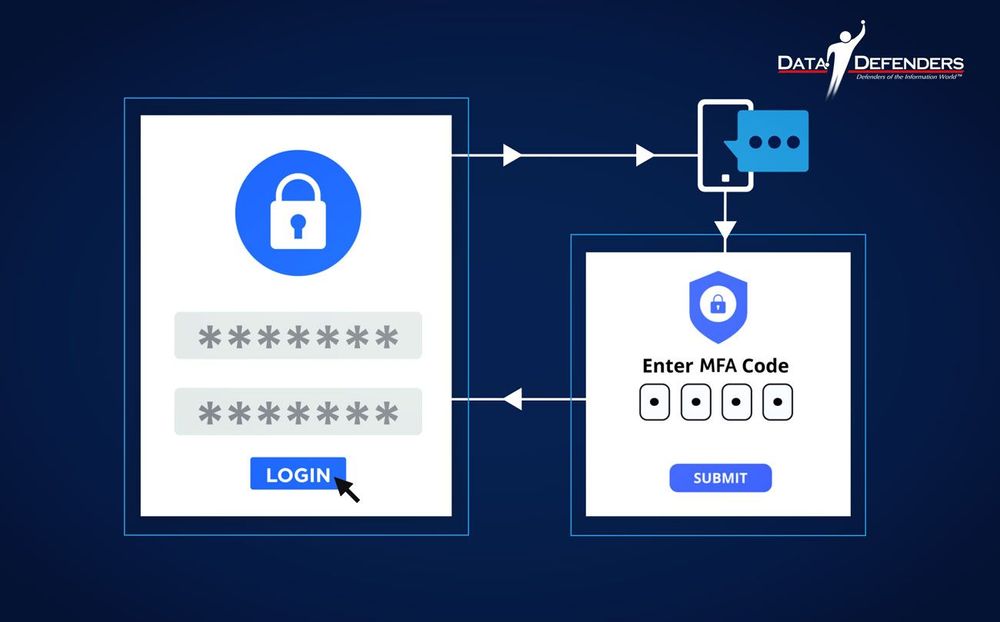
Microsoft reported that enabling MFA can block over 99.9% of account compromise attacks. By requiring a second piece of proof (like a quick code sent to your phone) you're basically adding a deadbolt to your digital door. So even if a thief steals your key (your password), they can't get past that second lock.
Cyrus' Clever MFA Strategy
When you're setting up MFA, Cyrus recommends choosing the text message (SMS) option if it's available.
Why? Because it splits your security across two totally different technologies: your email provider and your cell phone carrier. That adds another powerful layer of protection and further reduces your threat vector.
The Hidden Vulnerabilities You're Probably Ignoring
While building your compartmentalized system, don't forget these critical security gaps!
Your Digital Clutter is a Hacker's Goldmine
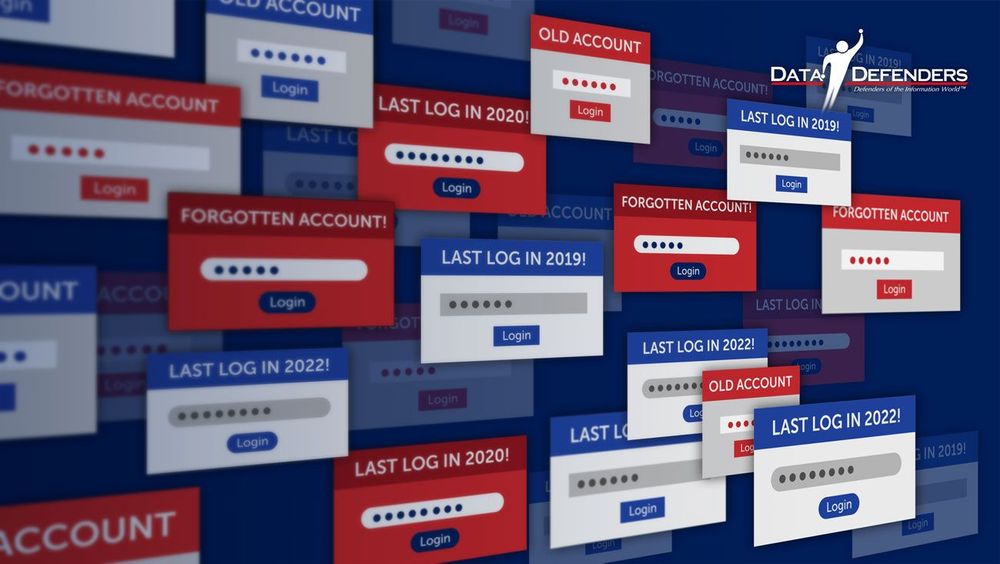
An "orphaned" or "dormant" account is any online profile you no longer use—old social media accounts, forgotten shopping profiles, past subscriptions. According to Google's analysis, these abandoned accounts are at least 10 times less likely to have modern security features like two-step verification enabled, making them prime targets.
Action Step: Make a habit of "digital decluttering." Once a year, audit and delete old online accounts. This simple act closes forgotten entry points, drastically reducing your risk.
The "Digital Native" Myth: Younger Generations Are More at Risk
It's a common assumption that younger, more tech-savvy generations are inherently safer online. However, data debunks this myth. A 2025 study found that 72% of Gen Z respondents admitted to reusing passwords across multiple accounts, compared to just 42% of Baby Boomers. The most popular password among Gen Z was "12345"—even weaker than the Boomers' top choice of "123456."
This shows that comfort with technology doesn't automatically translate to good security habits. As Cyrus notes:
"The behaviors we engage in while using these services and technologies will determine how secure or insecure we are to the rest of the world."
Public Wi-Fi: Not as Private as You Think
Public Wi-Fi networks in airports, hotels, and cafes are convenient but notoriously unsafe. A 2023 study found that an alarming 40% of travelers had their security compromised while using public Wi-Fi. Yet 56% of people admit they don't use a VPN when connected to public networks.
Action Step: Use a reputable VPN (Virtual Private Network) service whenever you connect to a network you don't personally own and trust. A VPN encrypts your internet traffic, creating a private tunnel that shields your data.
Find a list of reputable VPNs in 2026 here.
A Quick Warning!
Avoid "Free" VPNs found in app stores. As the saying goes, "If you aren't paying for the product, you ARE the product." Free VPNs often sell your browsing data to advertisers to cover their costs, which defeats the purpose of using a VPN for security.
Small Habits, Big Protection: Your Action Plan
At Data Defenders, we build operational resilience for critical infrastructure by focusing on proactive, continuous defense. You can apply the same principle to your own digital life.
Here's your starting point:
- Compartmentalize your digital life – Start with just one bucket (your finance accounts) and build from there
- Turn on MFA – Enable it for your primary email and banking apps today
- Digital spring cleaning – Delete old, unused accounts that serve as backdoors
- Use a VPN – Protect yourself on public networks
- Create strong passphrases – Use 12-16 character phrases for your bucket credentials
These habits aren't just a checklist, they represent a shift from a reactive to a proactive mindset, ensuring you're continuously protected. By taking these small, consistent steps, you're actively protecting what matters most: your family's finances, your personal information, and your peace of mind.
The Bottom Line: One Password Should Never Unlock Your Entire World
As Cyrus often reminds us:
"Don't try to be perfect overnight. Just aim for progress."
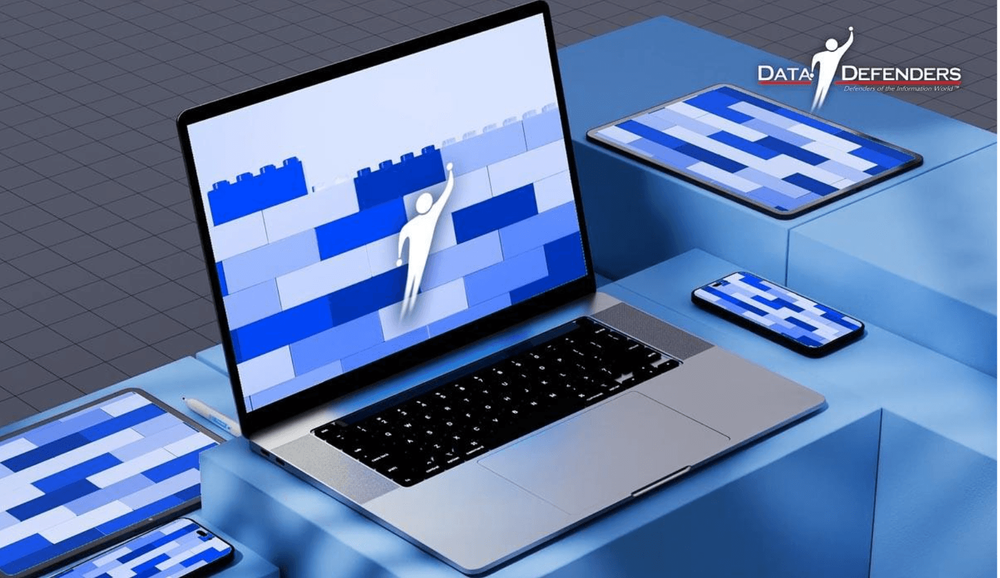
Every small step you take makes you stronger. Updating one password, turning on MFA for one account, deleting one old profile, creating one credential boundary. You're building your defense brick by brick.
So as you move forward, ask yourself this question. What is the one digital habit you can change this week to better Protect and Secure What Matters?
Start with compartmentalization. Create buckets. Build credential boundaries. Because in today's digital world, one password should never unlock your entire world.
Ready to learn more?
Watch Episode 6 of The Cyber Resilience Report where Cyrus Walker breaks down this entire strategy in detail. And explore our complete guide on Essential Cybersecurity Practices for Consumers for more foundational security habits.
Need help implementing these strategies for your organization?
Visit Data-Defenders.com/resources for practical guides, checklists, and frameworks based on the same strategies we use to protect critical infrastructure, hospitals, and municipalities.
About This Episode
This article and its companion podcast episode were inspired by "Secure Your Digital Life", an interview style presentation by Cyrus Walker, CEO of Data Defenders. To watch the full presentation that shaped this compartmentalization framework, click here.
Protect and Secure What Matters®
Disclaimer
The information in this article is for educational purposes only and does not constitute legal, financial, or professional advice. Data Defenders makes no warranties regarding the accuracy or completeness of this information and shall not be held liable for any damages arising from its use. Consult qualified professionals before implementing any cybersecurity strategies. You assume full responsibility for actions taken based on this content.
Frequently Asked Questions
What is compartmentalization in cybersecurity?
Compartmentalization is a security strategy that separates your digital life into distinct categories or "buckets" (like Finance, Travel, Retail, etc.), each with unique email and password credentials. This approach, developed by Data Defenders CEO Cyrus Walker while protecting critical infrastructure, ensures that if one account is compromised, hackers cannot use those credentials to access your other account categories.
Why is compartmentalization better than using a password manager?
Compartmentalization and password managers serve different purposes. Password managers are excellent tools for managing complexity across 170+ accounts, but they create a single point of failure—if the password manager itself is compromised, your entire vault could be exposed. Compartmentalization reduces your threat vector by creating manual separation between account categories, ensuring that even if one bucket is breached, the damage stays contained across multiple separate systems.
How many email addresses do I need for compartmentalization?
Typically 5-7 email addresses cover most people's needs. Common categories include Finance, Travel, Retail, Entertainment, Health, and Social Media. You can use simple naming conventions like YourNameF@gmail.com for Finance, YourNameR@gmail.com for Retail, etc. These are strictly for account access—not for daily communication.
What is multi-factor authentication (MFA) and why does it matter?
Multi-factor authentication requires a second piece of proof beyond your password to access an account—typically a code sent to your phone. Microsoft reports that MFA blocks over 99.9% of account compromise attacks. Even if a hacker steals your password, they cannot access your account without that second verification factor.
What is the Colonial Pipeline hack and what does it teach us?
The 2021 Colonial Pipeline hack disrupted fuel supplies across the U.S. East Coast and was initiated through a single compromised password for a dormant VPN account that lacked multi-factor authentication. This real-world incident demonstrates how one forgotten, poorly secured account can become an entry point for catastrophic breaches—exactly what compartmentalization prevents.
Can compartmentalization work for people who aren't tech-savvy?
Absolutely. Cyrus Walker designed this strategy specifically to be accessible for everyone, regardless of technical expertise. The core principle is simple: separate your online life into categories and use different credentials for each. It requires no special software or technical knowledge—just a shift in how you organize your digital accounts.
How do I get started with compartmentalization today?
Start with just one bucket, like your finance accounts. Create a unique email address (like YourNameF@gmail.com), set a strong passphrase you can remember, and update all your banking and financial accounts to use this new email and password combination. Then enable multi-factor authentication. Build from there, adding one category at a time.
What are orphaned or dormant accounts and why are they dangerous?
Orphaned accounts are online profiles you no longer actively use—old social media sites, forgotten shopping accounts, expired subscriptions. Google's research shows these accounts are 10 times less likely to have modern security features enabled, making them easy targets for hackers who can use them as backdoors into your digital life.
Should I use a VPN on public Wi-Fi?
Yes. A 2023 study found that 40% of travelers had their security compromised while using public Wi-Fi, yet 56% of people don't use a VPN on public networks. A VPN encrypts your internet traffic, creating a secure tunnel that protects your data from anyone else on the network—essential protection in airports, hotels, and cafes.
How does compartmentalization help reduce my threat vector?
Your threat vector is the sum of all potential vulnerabilities attackers can exploit. Compartmentalization reduces this by ensuring that compromising one set of credentials only grants access to one category of accounts, not your entire digital life. It transforms a potential total system compromise into a contained, manageable incident.
About Data Defenders
Data Defenders helps people and organizations Protect and Secure What Matters®. From critical infrastructure to personal digital security, we translate enterprise-grade cybersecurity into practical, sustainable habits anyone can use.